











Our customers say Excellent 4.5 out of 5 en based on
Excellent 4.5 on

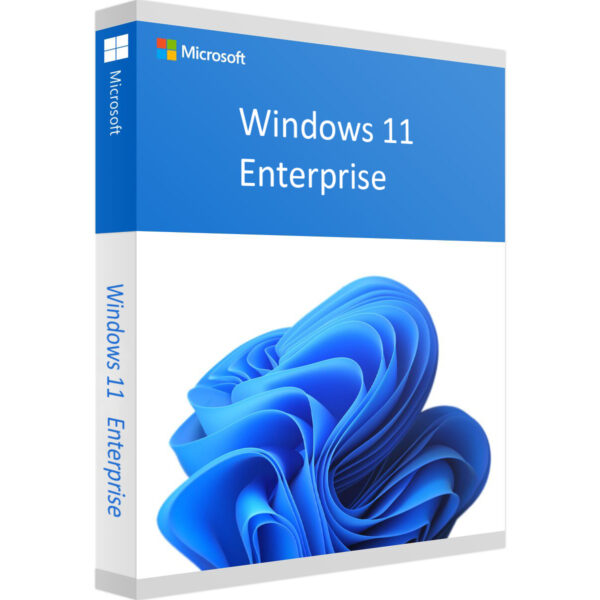
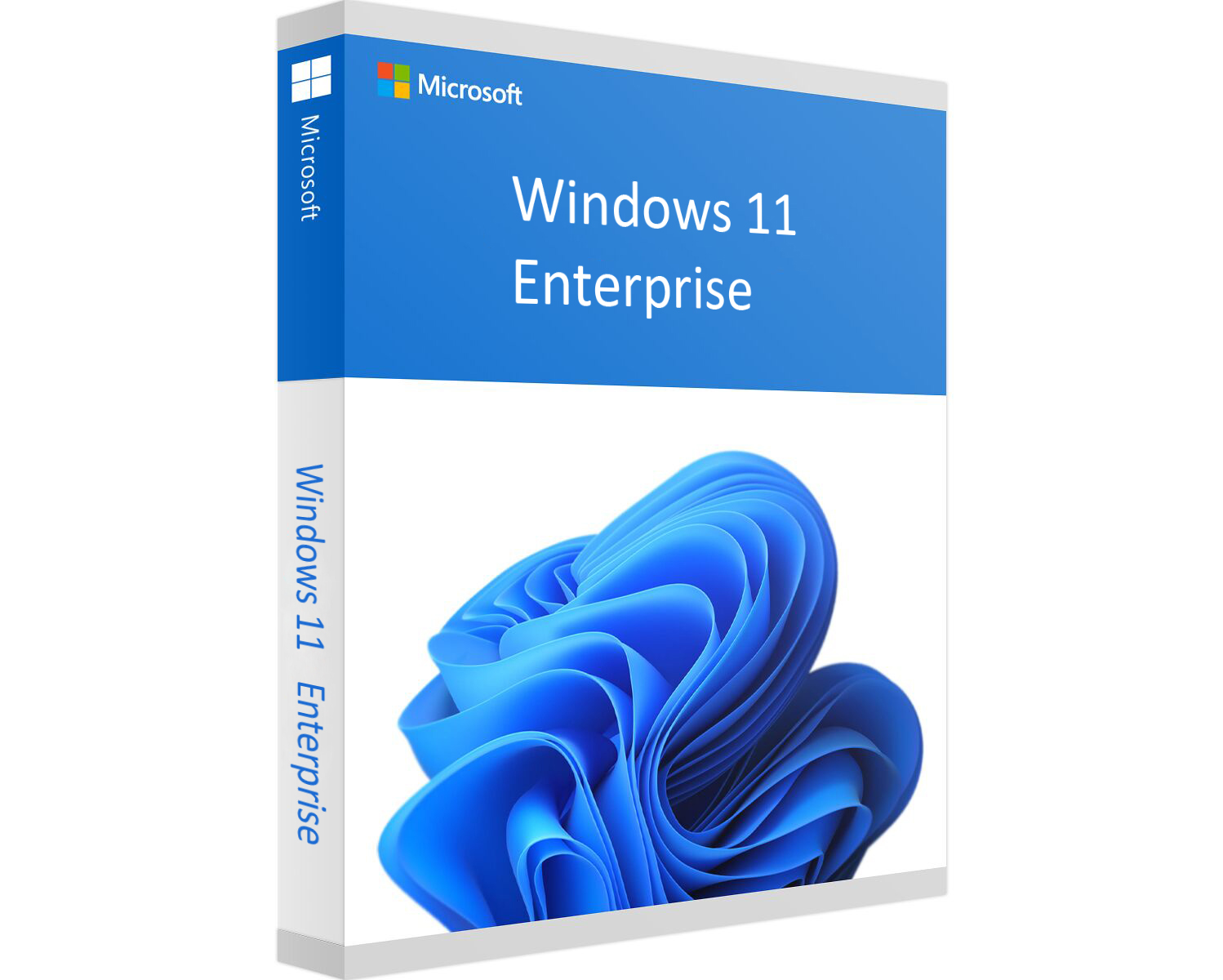
Windows 11 Enterprise – Digital License

(3 customer reviews)

Original price was: £97.36.Current price is: £21.99.

17 People watching this product now!

We are a certified Microsoft Partners

Digital license key delivered via email, including a step-by-step guide & download link.

Buy Windows 11 Enterprise digital cd product key. Instant delivery of the goods to your Email. Warranty. License key!

Original price was: £97.36.Current price is: £21.99.

12 People watching this product now!

Windows 11 Enterprise – Digital License

(3 customer reviews)
Windows 11 Home Retail
Windows 11 Home - Digital License Original price was: £69.99.Current price is: £11.99.
Back to products
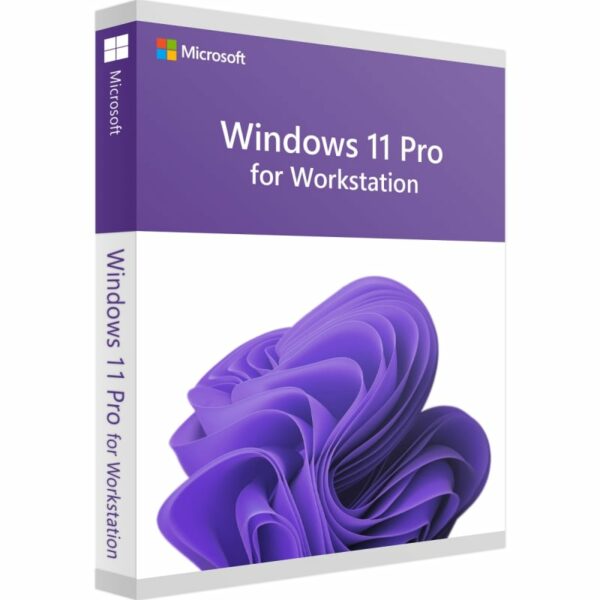
Windows 11 Pro For Workstation
Windows 11 Pro For Workstation Original price was: £148.20.Current price is: £16.70.

Original price was: £97.36.Current price is: £21.99.

We are a certified Microsoft Partners

Digital license key delivered via email, including a step-by-step guide & download link.

19 People watching this product now!

Buy Windows 11 Enterprise digital cd product key. Instant delivery of the goods to your Email. Warranty. License key!

Duration

Lifetime

Devices

1 PC

Activation

Online

Warranty

1 year

Brand

Microsoft

SKU: 9665224367 Categories: ,

Reviews

Real reviews from verified buyers to help you make the best choice.

Description

Windows 11 Enterprise

Optimize your business operations with a Windows 11 Enterprise license. This version of Windows offers a modern interface, better performance, and advanced security features. Designed to meet the needs of today’s enterprises, it integrates seamlessly with Microsoft Teams and Xbox Game Pass, ensuring more efficient work and play.

Main Features

  • New Start Menu with a modern design
  • Faster performance and improved speed
  • Enhanced touch and pen input for more precision
  • Virtual desktops for easy multitasking
  • Integration with Microsoft Teams and Xbox Game Pass
  • Advanced security to protect data
  • Support for Android apps

Key Benefits

Using Win 11 Enterprise brings several advantages. It boosts productivity, enhances gaming, and provides access to various apps. Security and privacy are top priorities, with features that ensure your data remains safe. The OS is compatible with multiple devices, and customization options allow it to fit perfectly into your business environment.

What’s New Compared to Windows 10

Windows 11 offers a fresh design optimized for modern hardware. Expect faster boot times, better battery life, and overall improved performance. New tools like Snap Layouts and Snap Groups simplify multitasking. Plus, closer integration with Microsoft’s services like Teams and Xbox Game Pass makes this a superior choice for business users.

Understanding Windows 11 Editions

Windows 11 comes in several editions, each tailored to different needs. The Enterprise edition includes advanced security features, support for high-performance hardware, and tools like Group Policy. Whether upgrading or starting anew, Windows 11 Enterprise ensures your IT infrastructure is secure and efficient.

How to Buy and Activate

Buying a Windows 11 Enterprise license is simple. Choose the right edition, complete your purchase, and receive your key via email. All licenses come with a full warranty, and our 24/7 support team is available to help with any activation issues.

Hardware requirements
Duration

Lifetime

Devices

1 PC

Activation

Online

Warranty

1 year

Processor

1 GHz or faster

Memory

4 GB RAM

Hard Disk

64 GB of available disk space

Graphics Hardware

DirectX 12 or later

Firmware

UEFI, Secure Boot capable

TPM

2.0

Brand

Microsoft

Reviews (3)
5
3 reviews
11
0
0
0
0

3 reviews for Windows 11 Enterprise – Digital License

Clear filters
  1. lenny (verified owner)

    Awesome! Key worked first time, no problems at all.

    • Store manager admin

      Your satisfaction is our top priority at Licengo, and we’re so happy to see your 5-star review!

  2. eliza (verified owner)

    Very satisfied with the purchase, everything was smooth.

    • Store manager admin

      We appreciate your kind words and 5-star rating! Licengo is here to ensure your satisfaction.

  3. ted (verified owner)

    quick and easy, will buy again

    • Store manager admin

      Thank you for the fantastic review! It’s customers like you that inspire the Licengo team.

Show reviews in all languages (11)

Add a review

Your email address will not be published. Required fields are marked *

FAQs

Frequently Asked Questions

What are the key features of Windows 11 Enterprise?

Windows 11 Enterprise offers enhanced security features, including Microsoft Defender Firewall, Windows Defender Exploit Guard, and Windows Information Protection. It also includes tools like Windows Hello for Business for two-factor authentication and Cortana management options.

Can I upgrade from Windows 11 Pro to Enterprise?

Yes, to upgrade from Windows 11 Pro to Enterprise, you’ll need a valid Windows 11 Enterprise product key for activation.

How do I activate Windows 11 Enterprise?

To activate Windows 11 Enterprise, you can enter a valid product key during the installation or activation process. If you are upgrading from Windows 11 Pro or Home, you will be prompted to enter the product key during the upgrade.

What are the system requirements for Windows 11 Enterprise?

  • Processor: 1 GHz or faster, with at least two cores on a compatible 64-bit processor or System on a Chip (SoC).
  • RAM: 4 GB or more.
  • Storage: 64 GB or larger storage device.
  • System firmware: UEFI, Secure Boot capable.
  • TPM: TPM version 2.0.
  • Graphics card: DirectX 12 compatible graphics / WDDM 2.x.
  • Display: >9” with HD Resolution (720p).
  • Internet connection: Required for updates and to download and take advantage of some features.

Does Windows 11 Enterprise support virtual machines?

Yes, Windows 11 Enterprise supports virtual machines. It includes Hyper-V, which allows users to create and manage virtual environments.

Additionally, Windows 11 Enterprise offers enhanced virtualization features, making it a powerful choice for businesses that need to run multiple virtual machines for testing, development, or server management.

How can I download Windows 11 Enterprise ISO?

Use this microsoft link to download Windows 11 Enterprise: https://www.microsoft.com/en-us/evalcenter/download-windows-11-enterprise

Installation Guide

The official release of Windows 11 took place on October 5, 2021. You don’t want to delay any longer and are preparing to switch to the new operating system? We have prepared a guide for you, where you will learn where to download, install, and run Windows 11 Enterprise.

In general, once you start installing Windows 11 Enterprise, all the instructions are self-explanatory – most users should leave the default settings. The installation process is intuitive and can take up to a few minutes. This is because for a long time now, Windows installation programs don’t require much involvement on the user’s part – they guide you step by step through the installation process with the help of the Media Creation Tool or by an upgrade done manually.

Before you install Windows 11, make sure your configuration meets the hardware requirements. The latest version of Microsoft’s operating system requires TPM 1.2 (preferably version 2.0) and the Secure Boot mode. Security reasons dictate these requirements. So remember that not all components meet Microsoft’s requirements for compatibility with the new operating system.

Before installation, you should check to determine whether the motherboard is supported by Windows 11 and that the processor is compatible with Windows 11. Then, you can check whether your computer meets them in Windows Update (Settings > Updates and security). You’ll get a message there confirming Windows 11 compatibility. To upgrade, you must have Windows 10 version 2004 or later.

Option 1: Performing a clean installation of Windows 11 Enterprise

Please proceed with this when you are currently using an older Windows version than Windows 11 or a PC without an operating system.

  1. Download Windows Media Creation Tool: Download the Media Creation Tool directly from Microsoft here.

    Windows 11 Media Creation Tool is a program with which you can create installation media quickly and easily for creating a Windows 11 installation image. With it, you can upgrade your current system to the latest version and create a DVD or USB stick with the installer. The whole thing is automated and straightforward to use.

    The application does not require installation. After launching, it offers two options: updating the current system and downloading files to create installation media. Windows 11 Media Creation Tool allows you to both download files and save them to your computer in the form of an ISO image, as well as automatically prepare a bootable USB flash drive or DVD. The whole procedure of downloading and saving runs automatically, but it is necessary to prepare at least 8 GB of media in advance.

  2. Run the Media Creation Tool:
    • Create installation media for another PC.
    • Select preferred language.
    • Select Edition: Windows 11 (it includes both, Pro and Enterprise).
    • Select architecture (64-bit or 32-bit).
    • Select the media you want to create (USB flash drive or ISO file to create a DVD).
  3. Perform a clean installation:
    • Boot from the USB flash drive or the DVD you have created.
    • Select your language, time, and keyboard preferences.
    • Enter the product key provided by us.
    • Installation type: Custom: Install Windows only (advanced).
    • Remove all partitions and create a new one to install Windows.
    • Proceed and perform the installation.

Option 2: Upgrading from Windows 11 Pro to Enterprise

Windows 11 Pro to Enterprise Upgrade is an upgrade that will give you access to many valuable features, mobile management (MDM), and group management options in collaboration with the cloud and Windows Server. You’ll also be able to publish and download applications from the Microsoft Store for Business, grant user access, enable kiosk mode, and manage updates through Windows Update for Business. Please proceed with the following steps when you are currently using Windows 11 Pro and want to upgrade to Enterprise.

  1. Open the Upgrade Tool: Press the “Windows key+R“, type “slui.exe” and hit “Enter”.
  2. Enter Your Product Key: Enter your Windows 11 Enterprise product key. If it’s not accepted, apply the default product key: “NPPR9-FWDCX-D2C8J-H872K-2YT43“.

    If error code “0x800f0805” appears after applying the default product key, please make sure that you have at least 20 GB of free disk space and that Windows is updated to its latest version. If those two points apply to you, it is obvious that some important system files are missing. In that case, it is necessary to perform a clean installation (see Option 1).

  3. Start the Upgrade Process:
    • Go to “System” > “About” and “Change product key” (Click “Yes” if User Account Control comes up).
    • Enter your Windows 11 Enterprise product key and make sure all open applications are closed and your work is saved, then start the upgrade.
    • Wait while the upgrade process kicks off – your computer will be restarted several times throughout this process. The amount of time the upgrade takes will vary between operating systems, but in our experience, it only takes 5 to 10 minutes.

Finally, you have to configure the Windows 11 Enterprise system. In this process, you decide on, for example, the sending of diagnostic data and privacy settings. Select what you think is appropriate. Don’t worry – you can change these preferences any time after installation.

How It work

Follow these quick and easy steps to purchase, download, and activate your software hassle-free.

Buy Securely at Licengo.com

Purchase your product safely with SSL encryption at competitive prices.

1.

Receive Your License Key via Email

We will send you the activation key and detailed download instructions to your email.

2.

Download Your Original Software

Easily download your original software using the provided instructions.

3.

Activate Your Lifetime License

Enjoy lifetime access to your software with the license key purchased from Licengo.com.

4.

Competitive Prices

We offer the best prices in the market, get genuine products at discounted prices.

Customer Support

Our human support available to help you resolve any incident as quickly as possible.

We Deliver Instantly

After receiving payment, product are delivered instantly, some products may take a few hours.

Refund Guarantee

If we are not satisfied with the quality or fail to deliver the product, we will refund you.