












 4.5 on



Digital license key delivered via email, including a step-by-step guide & download link.



Digital license key delivered via email, including a step-by-step guide & download link.
Fast and reliable! Bought a Microsoft Office 2021, and the process was smooth and quick.
Paul Dean, 🇬🇧
Their service is straightforward, and they deliver what they promise. No frills, just good products and responsive support when needed.
Gail Schloss, 🇨🇦
Super expérience avec Licengo ! Achat de logiciel Microsoft et clé de licence reçue instantanément. Service et support excellents. Je recommande vivement !
Henry tKint, 🇧🇪
Licengo delivers excellent digital products with prompt service and professional communication. Highly reliable partner!
Darrell Carnell, 🇨🇦
I recently purchased Office 2021 Pro Plus from Licengo, and the experience was flawless! The process was quick and simple, and I received my product key within minutes only. Installation was smooth, and the software works perfectly. Great value for money and excellent customer service. Highly recommend!
Sandra, 🇬🇧
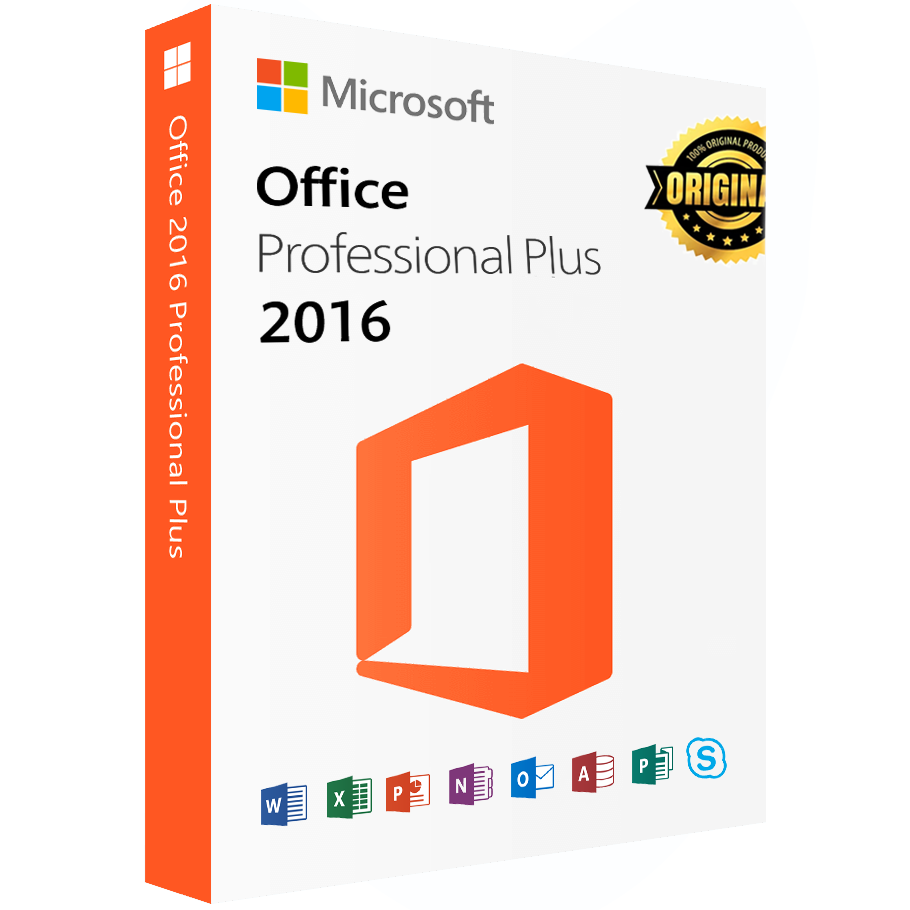
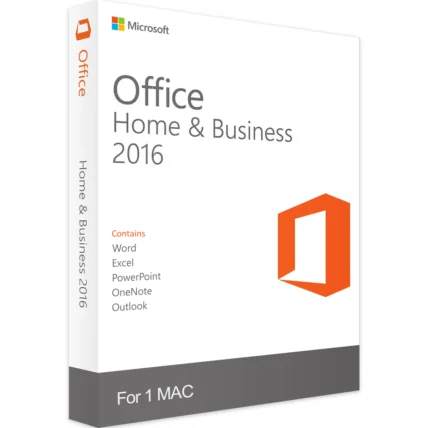
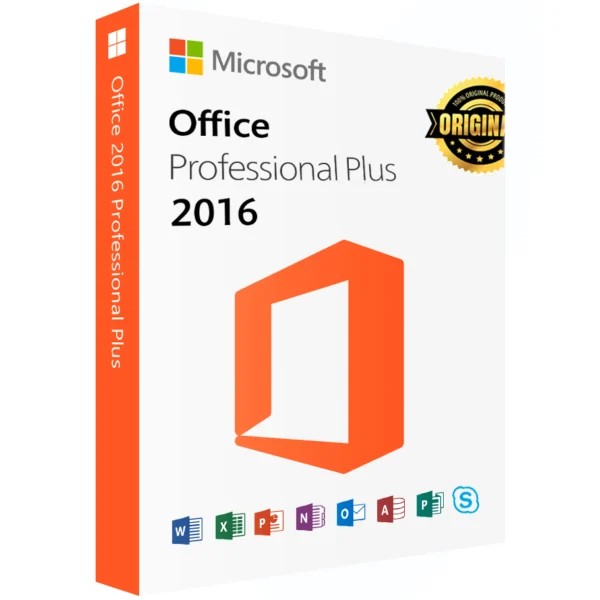
Microsoft Office 2016 Professional Plus is a robust suite of office tools, trusted by billions worldwide. This one-time purchase offers unparalleled access to Office features at an exceptional price.
Why Buy from Licengo?
Licengo (Certified Microsoft Partners) focuses on offering software at unbeatable prices with excellent customer support. You will receive a genuine Microsoft Product key via email within seconds. Why pay full price when you can obtain the same product for a fraction of the cost? Click “Add to Cart” now and elevate your productivity with Microsoft Office Professional Plus 2016!
There are no extra costs or expiration dates. This is a fully functional, genuine Microsoft product, complete with all the features and apps of the full-priced version.
What You Get with Microsoft Office 2016
- Full version of Microsoft Office 2016 Professional Plus
- Unlimited use with no subscription fees
- Confidence backed by dedicated customer support
- Access to regular security updates and program enhancements
Core Applications in Microsoft Office 2016
- Microsoft Word: Create and share documents with ease using powerful formatting tools and templates.
- Microsoft Excel: Analyze and visualize data with powerful tools for graphs, charts, and tables.
- Microsoft PowerPoint: Create impactful presentations with new slide transitions, animations, and collaborative features.
- Microsoft Outlook: Manage email, calendars, tasks, and contacts, supporting remote work and collaboration.
- Microsoft OneNote: Organize notes, web pages, multimedia files, and more for easy collaboration and sharing.
- Microsoft Access: Create relational databases with secure SQL storage, data tables, and user interfaces.
- Microsoft Publisher: Design flyers, posters, and other publications with intuitive desktop publishing tools.
- Skype for Business: Enhance collaboration with messaging, video calls, and team meetings integrated into Office.
- Microsoft OneDrive: Enjoy 5GB of free cloud storage for securely storing and sharing files, enhancing remote work.
These applications collectively empower users with the tools for efficient productivity, communication, and data management.
| Duration |
Lifetime |
|---|---|
| Devices |
1 PC |
| Activation |
Online |
| Warranty |
1 year |
| Operating System |
Windows 10 ,Windows 10 LTSB 2015 ,Windows 10 LTSB 2016 ,Windows 11 ,Windows 8.x ,Windows Server 2012 ,Windows Server 2016 |
| Processor |
1 GHz or faster |
| Memory |
1 GB (32-bit) or 2 GB (64-bit) |
| Hard Disk |
3.0 GB of available disk space |
| Display |
1024 x 576 |
| Graphics Hardware |
DirectX 10 |
| Framework |
.NET 3.5 required. Some features may require .NET 4.0, 4.5, or 4.6 CLR to also be installed. |
| Brand |
Microsoft |
| Label |
Limited-Time Offer |
2 reviews for Microsoft Office 2016 Professional Plus – Online Activation – Lifetime Digital License
Clear filtersFrequently Asked Questions
What’s the difference between Office 2016 Professional and Office 2016 Professional Pro Plus?
The main difference is that Office 2016 Professional Pro Plus includes all the features of Office 2016 Professional, along with additional tools like Access, Publisher, and Skype for Business, which are essential for businesses.
Can I use Office 2016 Professional Pro Plus on multiple devices?
Office 2016 Professional Pro Plus can typically be installed on one PC or Mac per license. For multiple devices, a separate license may be required for each.
Is Office 2016 Professional Pro Plus available as a subscription?
No, Office 2016 Professional Pro Plus is typically sold as a one-time perpetual license, meaning you pay once for the software and own it indefinitely. For subscription-based access, Microsoft offers Office 365, which includes the latest version of Office along with additional cloud services.
Can I upgrade from Office 2016 Professional Pro Plus to Office 365?
Yes, you can upgrade from Office 2016 Professional Pro Plus to Office 365 (now called Microsoft 365). You will need to purchase a new subscription to access the latest features and cloud-based services.
How do I activate Office 2016 Professional Pro Plus?
To activate Office 2016 Professional Pro Plus, you can enter the product key provided with your purchase during the installation process. You can also use a Microsoft account to sign in and activate the software if your license includes this feature.
Is Office 2016 Professional Pro Plus compatible with Windows 10?
Yes, Office 2016 Professional Pro Plus is fully compatible with Windows 10, as well as earlier versions of Windows such as Windows 7 and 8.
How do I install Office 2016 Professional Pro Plus?
You can download and install Office 2016 Professional Pro Plus from the official Microsoft website or use a disc if it was included in your purchase. Follow the on-screen instructions to complete the installation.
Does Office 2016 Professional Pro Plus support cloud services?
While Office 2016 Professional Pro Plus is primarily desktop-based, it does offer some cloud integration features such as saving documents to OneDrive and collaborating using OneNote and Skype for Business.
What support options are available for Office 2016 Professional Pro Plus?
Microsoft provides support for Office 2016 Professional Pro Plus through its official website, where you can access troubleshooting guides, community forums, and contact information for customer service.
Let me know if you’d like further customization!
Download the program with the following download link
| LANGUAGE | 32 BITS | 64 BITS |
| DEUTSCH | Herunterladen | Herunterladen |
| ENGLISH | Download | Download |
| FRANÇAIS | Télécharger | Télécharger |
| ITALIANO | Scarica | Scarica |
| ESPAÑOL | Descargar | Descargar |
PLEASE NOTE: To ensure a successful installation of the lifetime version of Office, we recommend that you uninstall any previously installed versions of Office on your computer, including Office 365, as it may cause conflicts during installation.
1- Installation process:
Once the download is complete, follow these steps:
- Once the download is complete, right click on the downloaded file and choose the “Mount” option from the dropdown menu
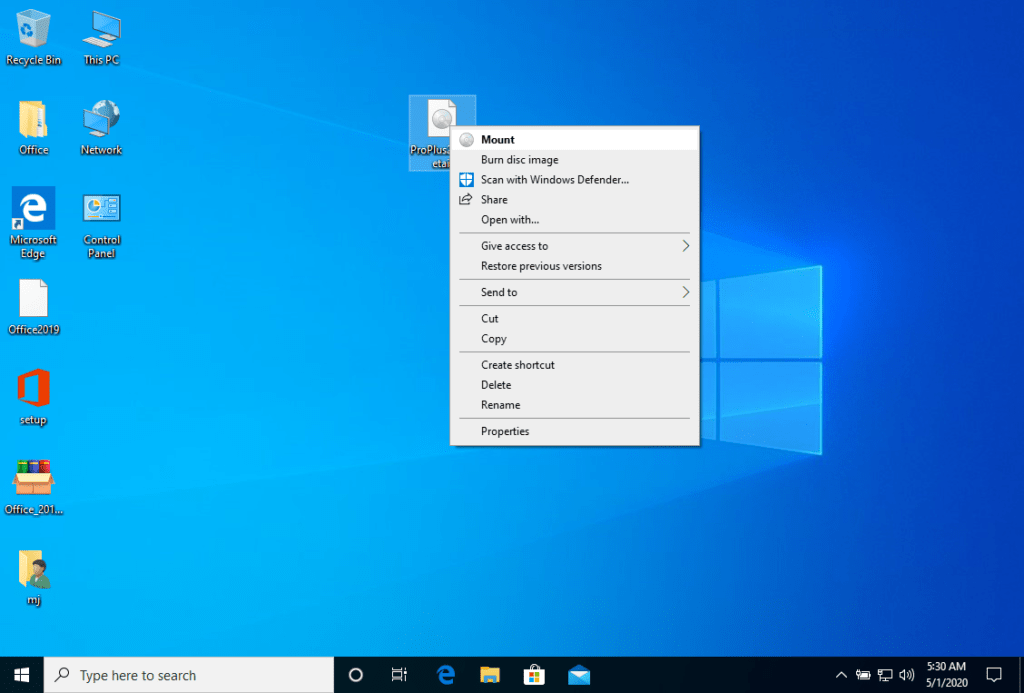
After the ISO file that you downloaded is mounted, you can access it from your Computer as a DVD drive. Here you can run the installer.
Complete the program installation and enter the “activation key” during or at the end of the process.
2- Software activation:
Once the download is complete and the installation of the program is complete, enter the activation key when running any application from the Microsoft Office package, it will be the first thing that will ask you.
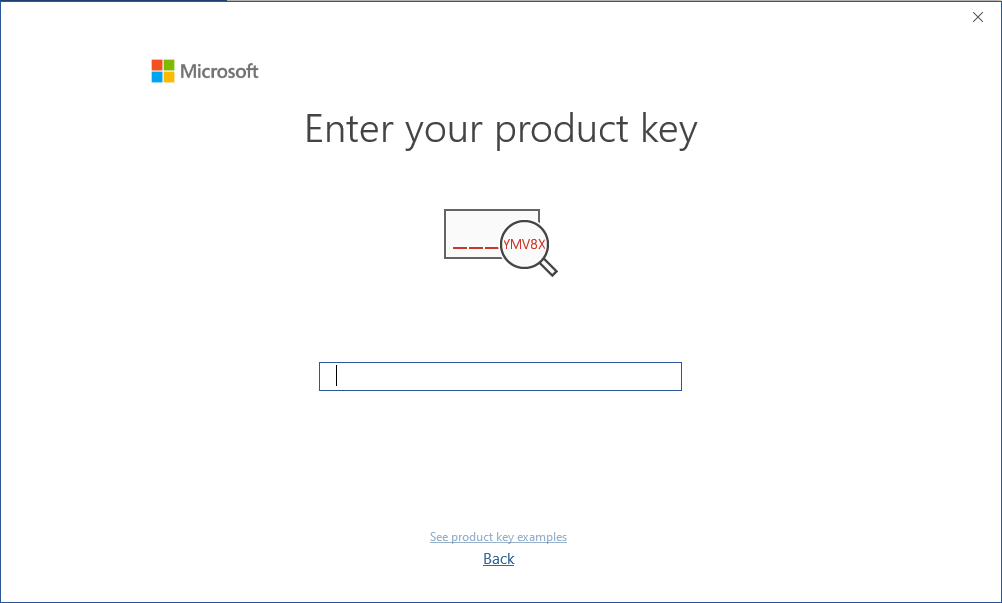
During the installation of Microsoft Office, you should have been prompted to enter the product key we sent you. If this did not happen, please open Word, click on “File,” then “Account,” and enter the provided key there.
If you don’t do this, your purchased Microsoft Office will turn into a trial version after 30 days.
Microsoft has gradually phased out support for some older products. Therefore, telephone activation is no longer possible. If you have any problems or questions during the Installation, please contact our 24/7 customer service.
Follow these steps to successfully download, install, and activate Office 2016 Professional Plus on your computer:
- Visit Microsoft’s Website: Go to setup.office.com.
- Sign In or Create a Microsoft Account: Create a new Microsoft account or sign in to your existing one.
- Enter Your Product Key: Enter the product key provided by us.
- Download and Install Office 2016 Professional Plus: Follow the prompts to download and install Microsoft Office 2016 Professional Plus.

kate (verified owner) –
Decent experience, no major issues
Store manager admin –
Thank you for your review! Your input helps us at Licengo make things better for everyone.
marie (verified owner) –
😃 Super happy with my purchase! Thanks a lot.
Store manager admin –
Thanks a ton for the glowing review! The Licengo team is here to ensure you always have a great experience.